Explore checkers, demos and evaluation routes →
Summarize this page with
An impossible-travel alert indicates that observed locations and timing appear inconsistent with ordinary travel. It is a prompt to examine the session and network evidence, not proof of physical movement or account takeover. Corporate egress, privacy relays and geolocation quality can change the apparent journey.
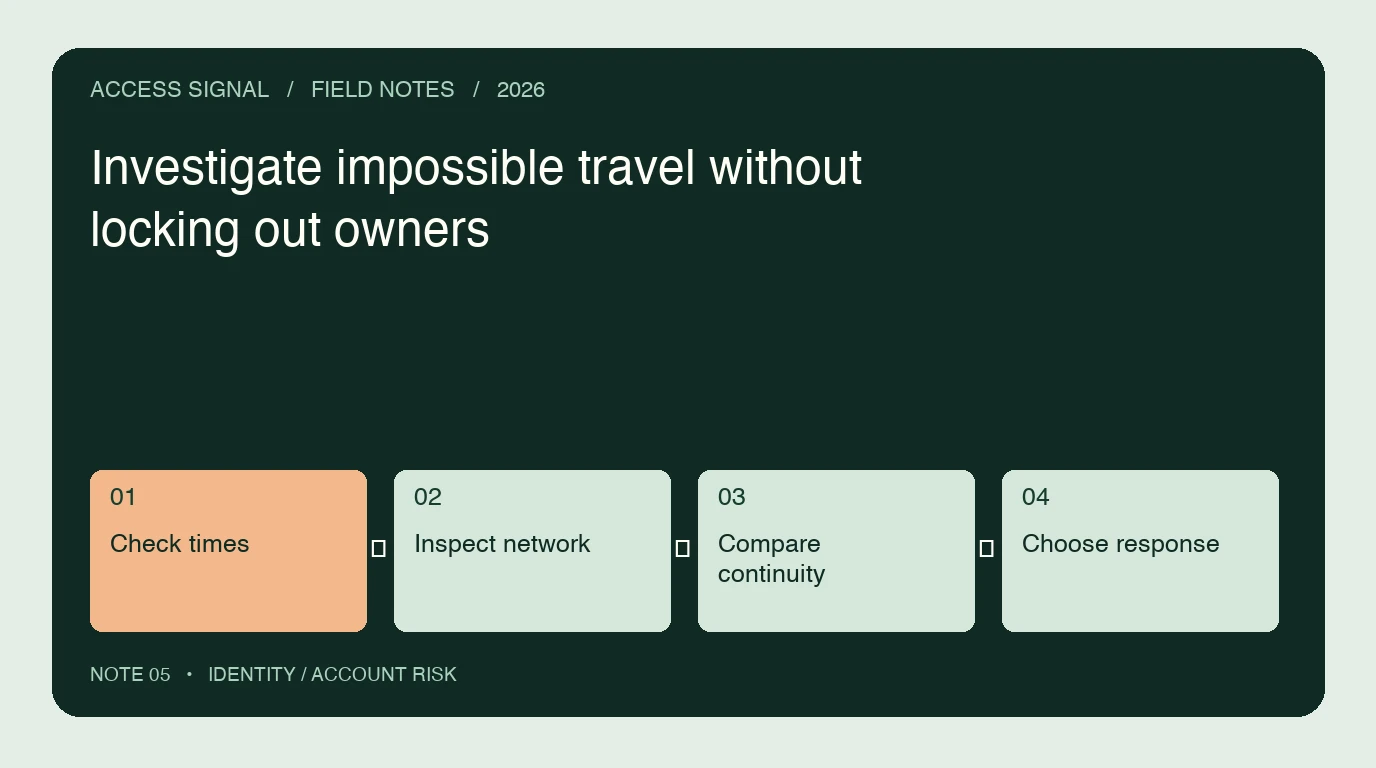
- 1Check times
- 2Inspect network
- 3Compare continuity
- 4Choose response
What does impossible travel actually compare?
A detector generally compares the time and inferred locations of activity. The meaning depends on the source: a sign-in event, application action and background token use are not identical observations. Check which events the detector compares and whether the result is produced in real time or later.
Microsoft’s risk-detection reference describes different identity risks and their dependencies. Do not substitute a new-country alert for a travel calculation or assume every detection is included with every Microsoft plan.
What can create a legitimate location jump?
The location associated with an IP is an estimate of the network exit. A corporate VPN may use a distant egress, a privacy relay may alter the observed route, and mobile connectivity can move among carrier gateways. None of these observations alone establishes the user’s physical location.
Device continuity and the nature of the account action can provide additional context. A familiar device accessing ordinary content is a different case from an unfamiliar device changing recovery details immediately after suspicious authentication. Avoid treating either case as settled by a single flag.
How should an analyst investigate?
- Check timestamps, timezone normalization and event ordering. Identify duplicates and delayed events.
- Confirm the account and session references. Do both events belong to the same access journey?
- Inspect current network context and the reliability of the location estimate.
- Compare device continuity, authentication method and sensitive actions.
- Select a proportionate verification or containment path and record its completed outcome.
Do not ask an owner to disable every privacy tool as the default resolution. Provide a protected verification route and preserve the relevant evidence for support. A genuine user who cannot complete verification needs a recovery process that does not simply repeat the same failing check.
Which evidence changes the response?
| Observation | Useful next question |
|---|---|
| Same device, different egress | Did the network route change while account activity stayed ordinary? |
| New device, successful factor | Was this a legitimate device addition or recovery event? |
| Conflicting locations, late events | Did delivery timing create a false sequence? |
| Location jump plus recovery change | Was the change authorized and did the owner retain control? |
| Stolen-session exposure | Which session artifact can be invalidated and verified? |
These are illustrative investigation questions, not universal product rules. A deployment should document the response required for the actual action and available evidence.
How do current network and device tools help?
ShieldLabs combines current network and device intelligence with account-level abuse detection, including impossible travel. That context helps address the limitations of decisions based only on stale IP blocklists. Entra ID Protection supplies identity-platform risk capabilities with product-specific licensing. Verify the event, context and timing supplied by the tool you select.
The service’s label is one part of the case. The application still needs an observable path from evidence to fresh authentication, access limits or containment. The integration guide explains why a response record should show what actually happened.
How can you measure false alerts?
Define a set of independently confirmed owner journeys, including ordinary travel, corporate networking, mobile changes and privacy tooling. Measure the proportion flagged, the verification completion rate and support escalation. Record confirmed unauthorized cases and unresolved cases separately.
Compare the same segments over the same window. A lower alert total may reflect fewer checks rather than better decisions. Use the false-positive worksheet to distinguish missing coverage, owner friction and detection outcomes.
FAQ
Does a foreign IP prove account takeover?
No. Inspect location quality, network exit, device continuity, authentication and sensitive actions. An IP-derived location is not verified physical presence.
Should a known device automatically suppress every alert?
No. Continuity can reduce uncertainty but is not proof that the session is uncompromised. Consider the action, other evidence and a supported verification path.
How should delayed events be handled?
Preserve event time and receipt time, normalize clocks and review the actual order of account actions. A delivery delay should not silently become an impossible physical journey.
Sources
Primary sources checked October 23, 2026.
Continue reading
- Integrate a login-risk API with your identity provider
- Secure account recovery after suspicious access
- Measure account takeover detection and false positives
Compare all ten tools or read the complete deployment guide.