Explore checkers, demos and evaluation routes →
Summarize this page with
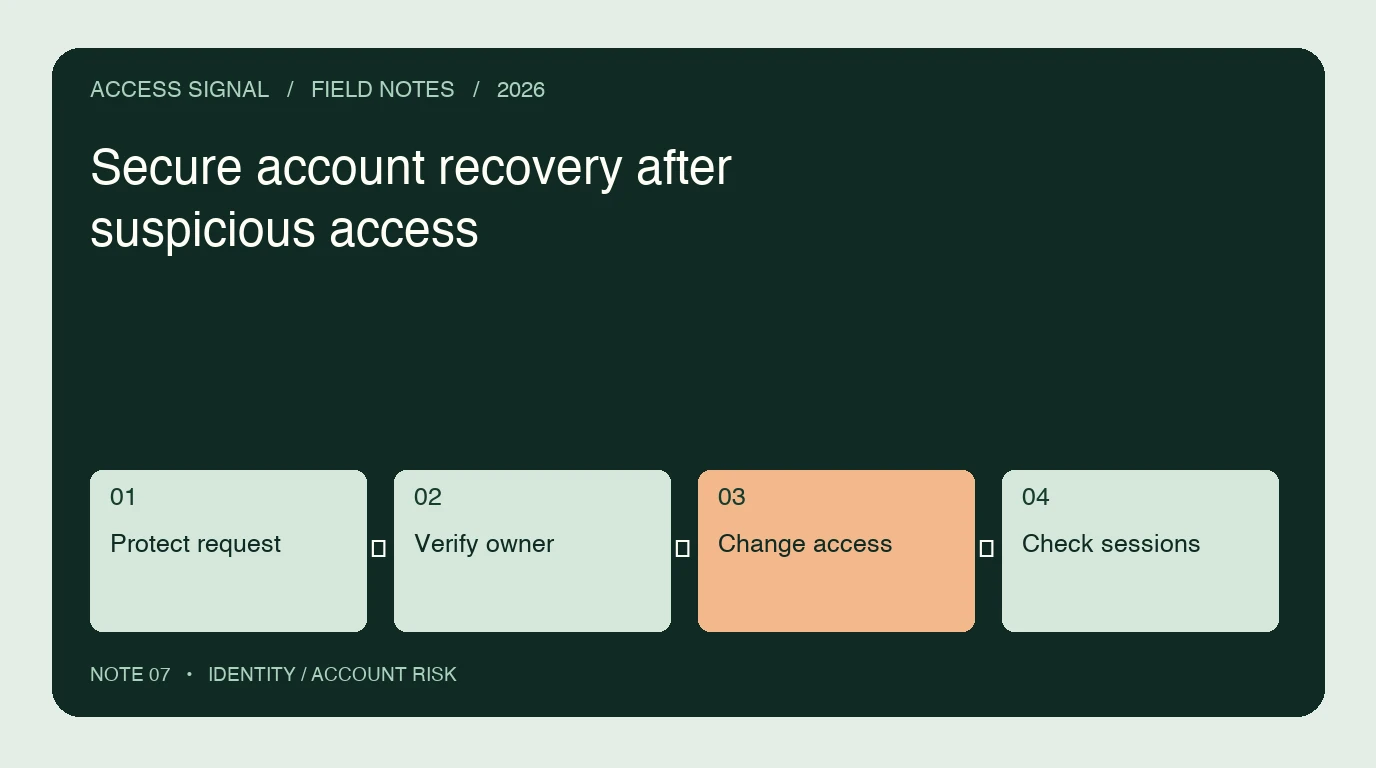
Secure recovery must restore the legitimate owner’s access without becoming an easier route around strong authentication. Protect the request, validate a suitable recovery proof, complete the credential or factor change and check the session consequences. Device and network risk can add context, but an unfamiliar device is common during genuine recovery.
- 1Protect request
- 2Verify owner
- 3Change access
- 4Check sessions
Why is recovery a separate control point?
A user may lose a phone, forget a password or need to replace an authenticator. The recovery path can therefore operate when the usual device or factor is unavailable. It deserves its own threat assessment and successful-owner outcome, rather than simply inheriting a strict new-device rule from login.
The OWASP Forgot Password guidance covers safe request responses, reset tokens and post-reset handling. The NIST authenticator guidance provides the broader context for authenticator management and account recovery at different assurance levels.
How should a reset request be handled?
Avoid responses that make account enumeration easy. Apply appropriate abuse controls and generate recovery material with the required security properties. Use a token with a defined purpose, lifetime and invalidation behavior, and keep recovery secrets out of logs and analytics.
Validate the reset destination and token-handling path. Rate limiting should constrain abuse without allowing repeated unauthenticated requests to lock out the owner indefinitely. A request to send a reset link is not proof that a valid recovery was completed.
Where can device and network evidence help?
Current context can identify unusual patterns around the recovery journey: related requests across accounts, automation, proxy use and changes after a suspicious login. ShieldLabs can add device/network intelligence and account-level risk where its collection and account association are integrated.
Use that evidence with the actual recovery proof. A VPN flag alone does not establish abuse, and a new device can be the expected consequence of device loss. Assess which uncertainty remains and choose a supported verification path rather than a permanent unexplained denial.
What changes should require careful verification?
| Change | What to confirm |
|---|---|
| Password replacement | Valid recovery proof and intended credential update |
| New MFA factor | Suitable authorization and treatment of the previous factor |
| Recovery email or phone | Protection against replacing the owner’s recovery channel |
| Session cleanup | Which application sessions and tokens remain valid |
| Support-assisted access | Controlled evidence handling and an auditable action |
This checklist describes integration questions. It does not imply that every compared risk tool manages factors or executes revocation. Keep the owning identity service and application explicit.
What if foreign logins continue after reset?
Inspect the old sessions and refresh tokens before assuming another password theft. Check the reset time, active sessions, recovery-detail changes and any delegated access. An old token can have a different lifetime from the password, depending on your architecture.
Compare device history and current network evidence, but do not diagnose compromise from the country alone. The impossible-travel guide explains common evidence-quality questions. Where compromise is corroborated, follow the supported containment path and verify that the affected protected action is no longer possible.
How should support resolve a legitimate owner’s case?
Give support a case reference, the completed recovery steps and the remaining uncertainty. Do not ask the owner to send a password, live token or API key. Avoid repeatedly sending the customer through an automated check that has already failed for the same unresolved reason.
Use an approved escalation path with appropriate authorization for factor replacement or session actions. Record the reason, operator and outcome. A support interaction that restores access is part of the security journey and should be evaluated along with the automated flow.
What should you test before rollout?
Exercise expired and reused recovery tokens, duplicate requests, device loss, shared networks, failed collection and a legitimate owner returning after a reset. Check notification, session termination and the ability to sign in again securely. Measure both unauthorized recovery attempts and owner completion using the evaluation worksheet.
FAQ
Should recovery require the account’s usual device?
Not always. Device loss is a common reason for recovery. Use a suitable recovery proof and current context, with a protected escalation path when ordinary automated checks cannot establish the owner.
Does requesting a reset prove the password changed?
No. Requesting, delivering, validating and completing recovery are separate events. Record the completed credential change and its actual session consequences.
What information should support avoid requesting?
Do not request passwords, live session tokens or privileged API credentials. Use the approved proof and minimal case evidence needed for the authorized recovery process.
Sources
Primary sources checked October 23, 2026.
Continue reading
- Account takeover risk in passwordless login and sessions
- Investigate impossible travel without locking out owners
- Measure account takeover detection and false positives
Compare all ten tools or read the complete deployment guide.